
15 Must-Have Shots for Your Next Brand Photoshoot
Strong visuals don’t just “look pretty”—they make people trust you faster, remember you longer, and buy with less friction. Your audience decides if your brand feels credible in seconds, and photos are often the first touchpoint: your website hero image, your Instagram grid, your TikTok thumbnails, your Pinterest pins. Meanwhile, DIY isn’t a dirty word anymore. With planning, smart composition, and a few affordable tools, you can capture scroll‑stopping content with an iPhone and build a library that feeds every platform for months.
This long‑form guide breaks down 15 must‑have shots for a brand photoshoot—what each shot is for, how to style it, how to capture it on iPhone, posing cues to keep everything natural, and pro hacks that elevate your visuals. You’ll also get pre‑shoot prep, posing fundamentals, editing workflows, and a mini toolkit so your shoot runs like an agency production (without the agency bill).
If your current content is a mix of random selfies and flat product pics, this is your blueprint. Bookmark it, build your shot list, and let’s level up your visuals—low pressure, high impact, cool-girl energy.
Pre‑Shoot Prep
1) Define your brand aesthetic.
Mood: minimal & modern? Warm & cozy? Color‑blocked & bold?
Palette: pick 3–5 core brand colors. Add one accent color that pops.
Texture: matte vs. glossy, natural textures (wood, linen) vs. sleek (acrylic, glass).
Create a mini mood board (Pinterest + saved IG posts). Decide what “feels like you.”
2) Plan your shot list.
Start with the 15 shots below. Add any niche needs (e.g., service delivery, venue detail, menu items).
For each shot: purpose (website, Reels cover, LinkedIn banner), orientation (vertical/horizontal), props, notes.
Assign outfits/locations to shots to reduce switching chaos.
3) Lighting basics.
Natural light > everything. Shoot near a large window; aim for bright, indirect light.
Golden hour magic: outdoors ~1 hour after sunrise / before sunset.
Avoid overhead office lights (they create harsh shadows). Turn them off and rely on window + reflector or softbox.
If you need artificial: use a softbox or LED panel with diffusion. Key light at 45°, fill light/reflection opposite.
4) Tools to have ready.
iPhone (13/14/15+ recommended for better sensors)
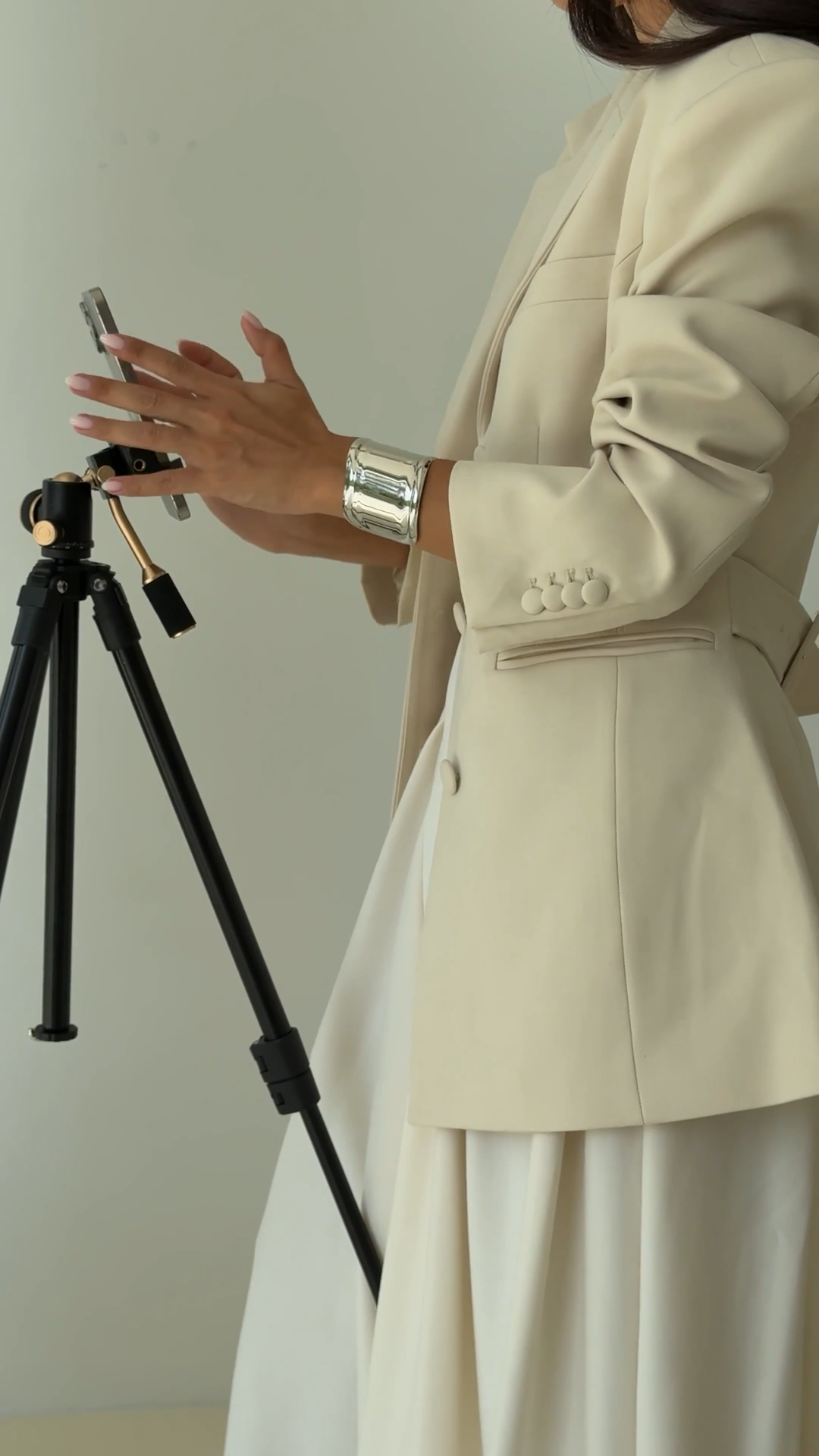
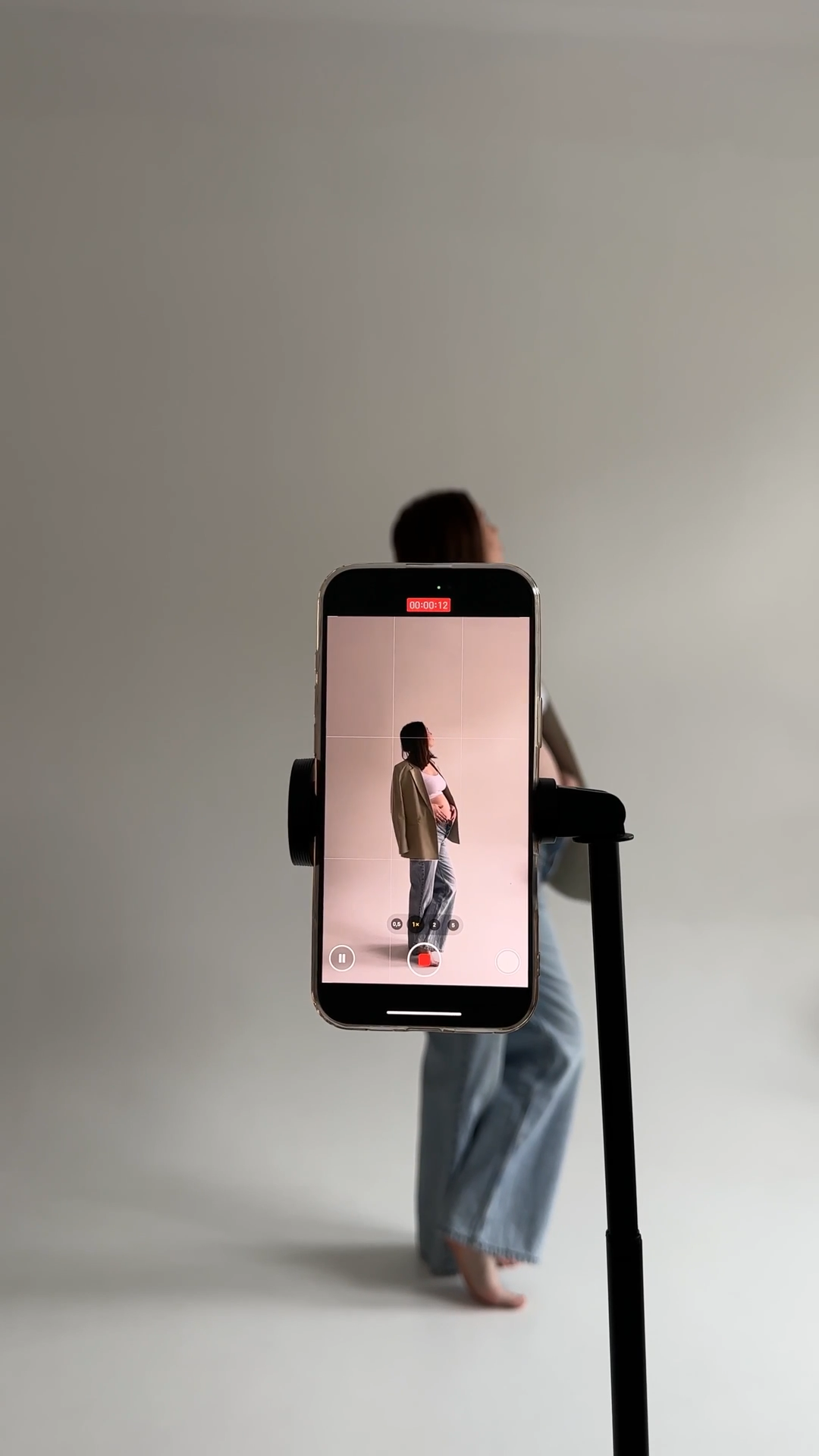
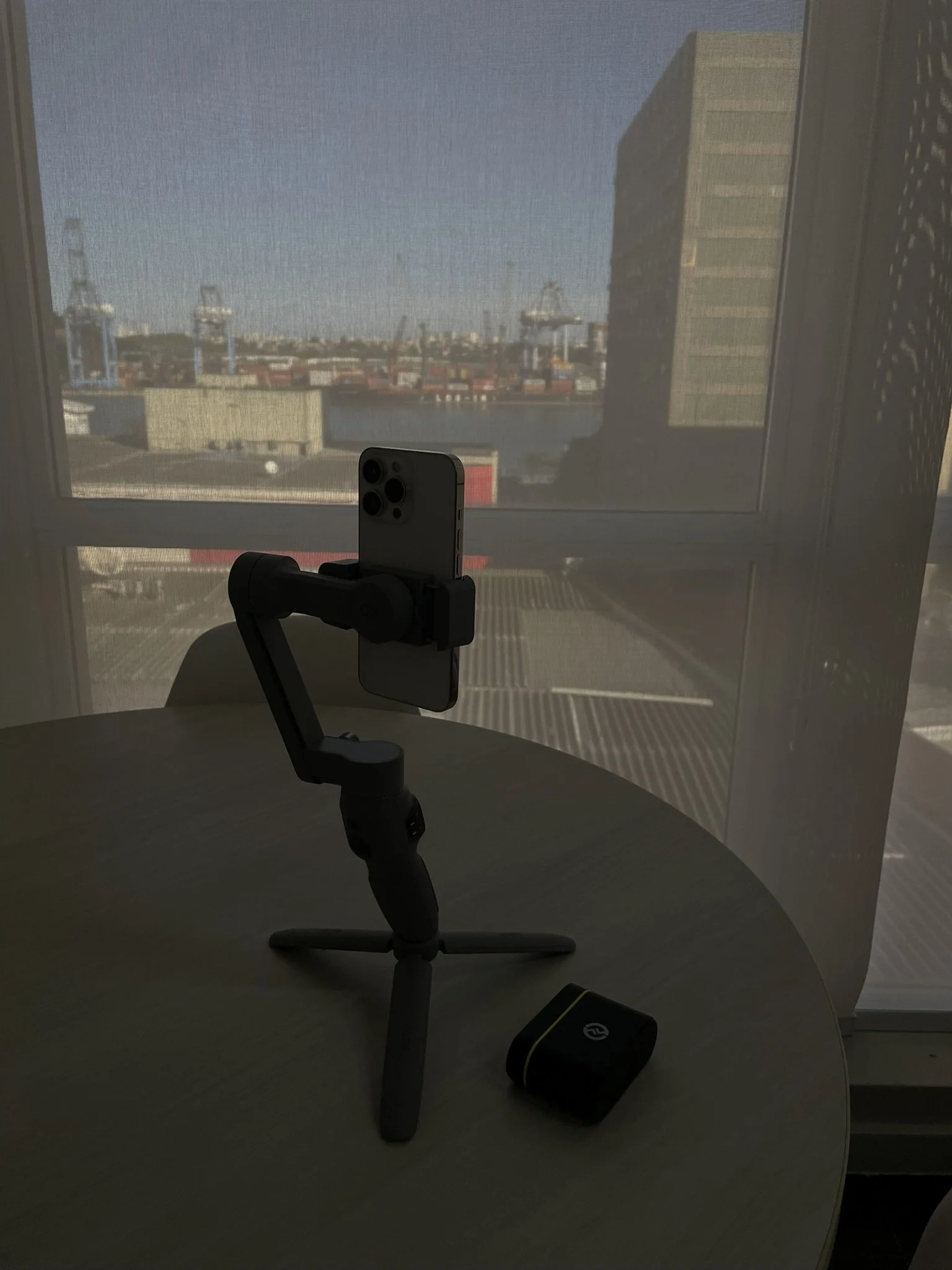
Tripod + Bluetooth remote (helps for solo shots and keeps framing consistent)
Portable LED or ring light (with dimmer + warm/cool options)
Reflector (or white foam board) to bounce light
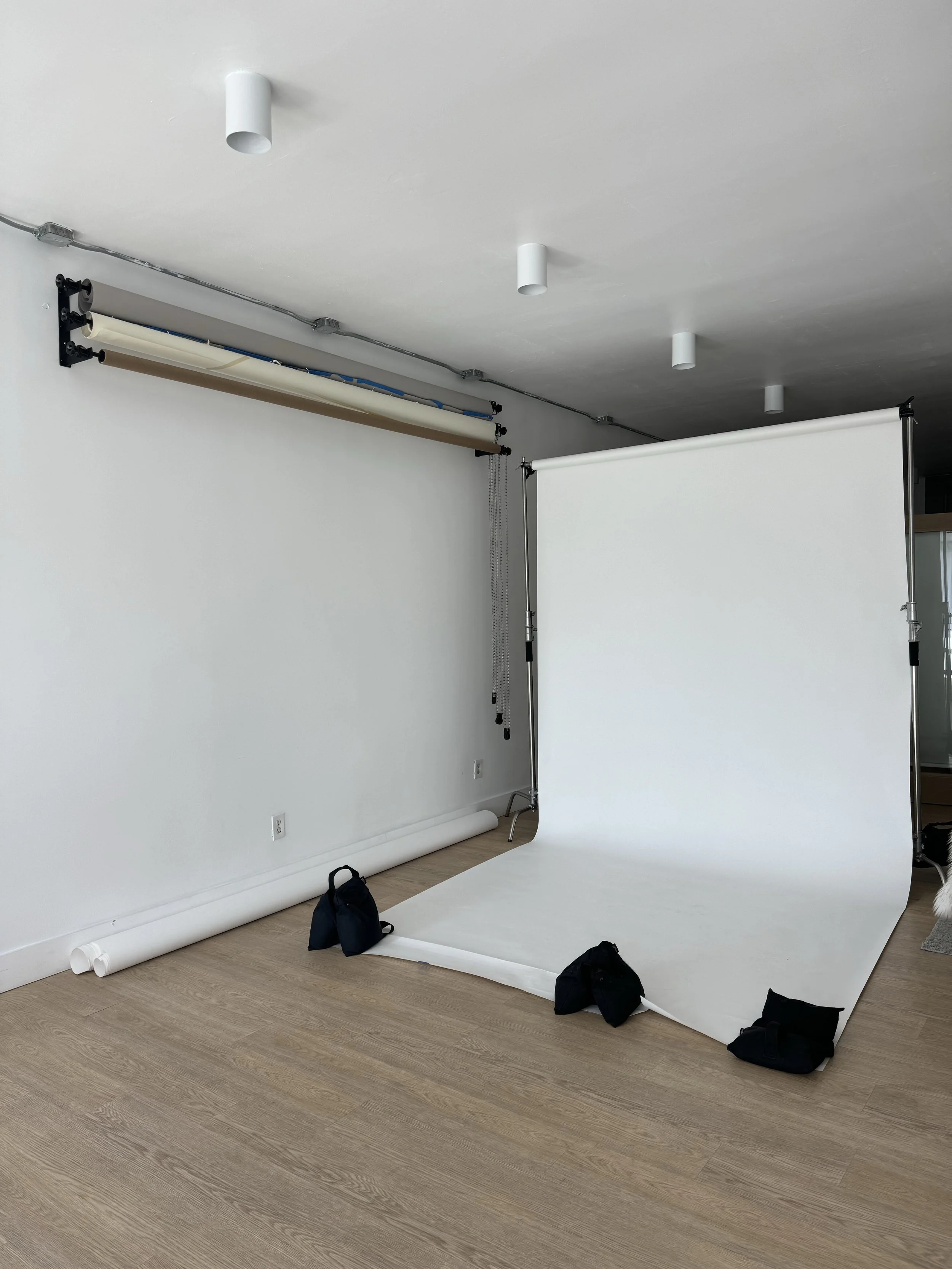
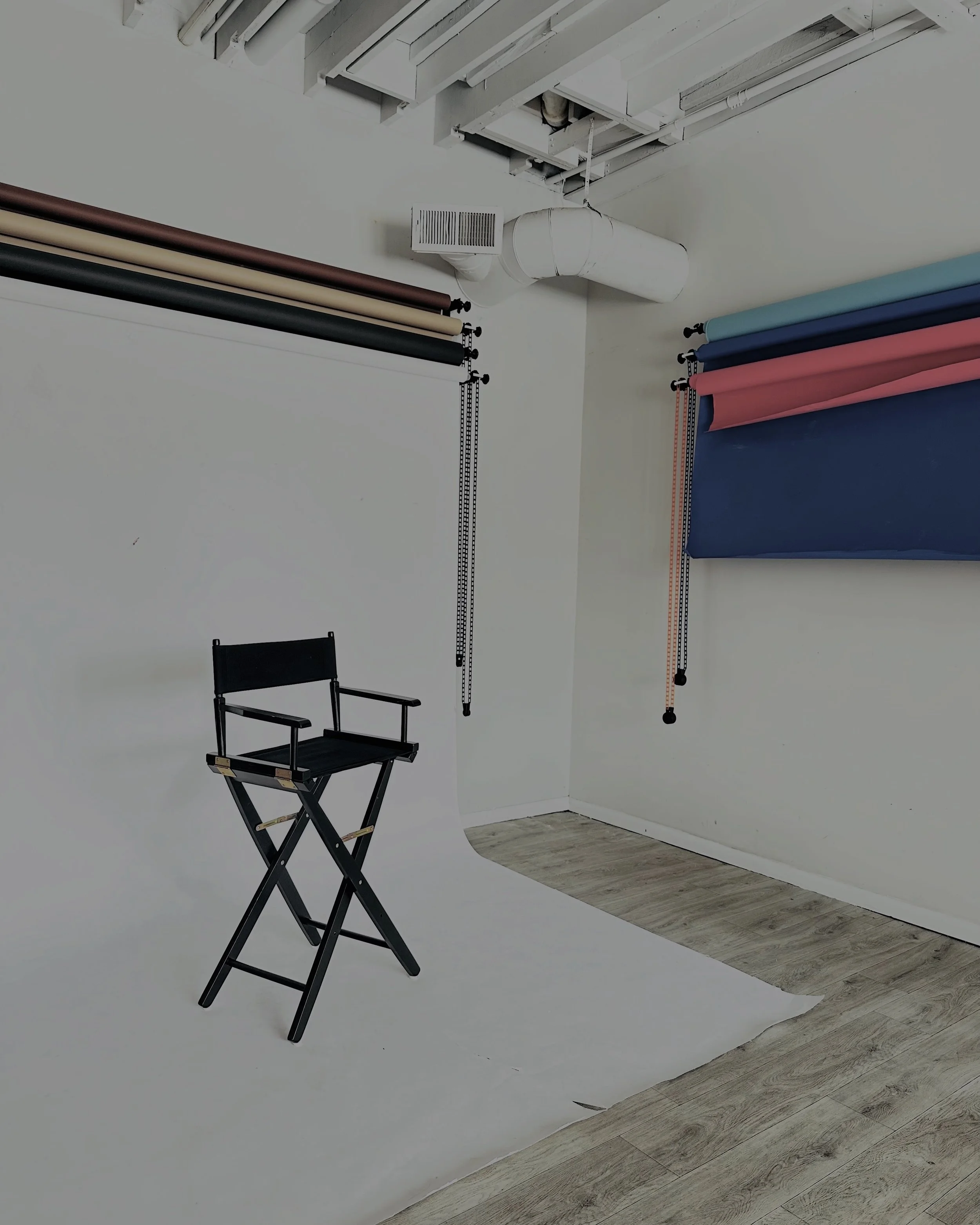
Backdrops: seamless paper, fabric, or textured boards
Props: brand‑aligned objects (coffee mug, notebooks, flowers, tools of your trade)
Cleaning kit: microfiber cloth for lenses + a lint roller for clothing
Editing apps: Lightroom Mobile, VSCO, Snapseed, TouchRetouch, CapCut (for video covers)
5) Location scouting.
Indoors: bright window, uncluttered wall, textured surfaces (wood table, linen cloth).
Outdoors: shaded open areas (soft light), neutral walls, urban textures, nature backgrounds.
Pro tip: Always check backgrounds for distractions (signage, exit lights, cords). Clean the scene before shooting.
The 15 Must‑Have Brand Shots
(what to shoot, how to shoot, how to style + pose)
1) Flat Lay of Your Products
Purpose: Perfect for Instagram, Pinterest, email banners, and product introductions.
Styling: Choose a clean backdrop (white, brand color, or textured linen). Arrange products with breathing room. Add lifestyle props that match your vibe (coffee, notebook, plants, tools). Keep odd numbers of objects; they’re visually pleasing.
iPhone Capture:
Use top‑down angle; turn on grid lines (Settings → Camera → Grid).
Lock focus/exposure: tap‑hold on the screen → slide down slightly to avoid blown highlights.
Shoot in natural light; avoid harsh shadows by placing a reflector opposite your window.
Hands can enter the frame to hold or move objects for a “working” vibe.
Use an Aerial perspective with a small step ladder for proper top‑down alignment.
Keep the color scheme tight; desaturation or a preset later can unify mismatched props.
2) Lifestyle Shot: Product in Use
Purpose: Context drives conversion; this is social proof in image form.
Styling: Think scene: kitchen counter for food brands, desk setup for tech, studio bench for beauty. Show how your product lives IRL.
iPhone Capture:
Portrait mode for depth; choose Natural or Studio Light if available.
Shoot at a 45° angle to add dimension.
Record short video bursts too—great for Reels and thumbnails.
“Micro‑movements” (pouring, typing, opening a jar). Keep hands relaxed, shoulders down, chin slightly forward (not up).
Capture variations: close, medium, wide.
Tell a mini story sequence (before → during → after). Use all three as a carousel.
3) Behind‑the‑Scenes (BTS)
Purpose: Humanizes your brand; great for Stories and TikTok.
Styling: Show process: packing, editing, crafting, setting up lights. Keep the space tidy but honest.
iPhone Capture:
Use wide-angle (0.5x) for room context.
Shoot short clips (3–7 seconds) for snackable content.
Keep lighting consistent (turn off overheads; rely on window + LED).
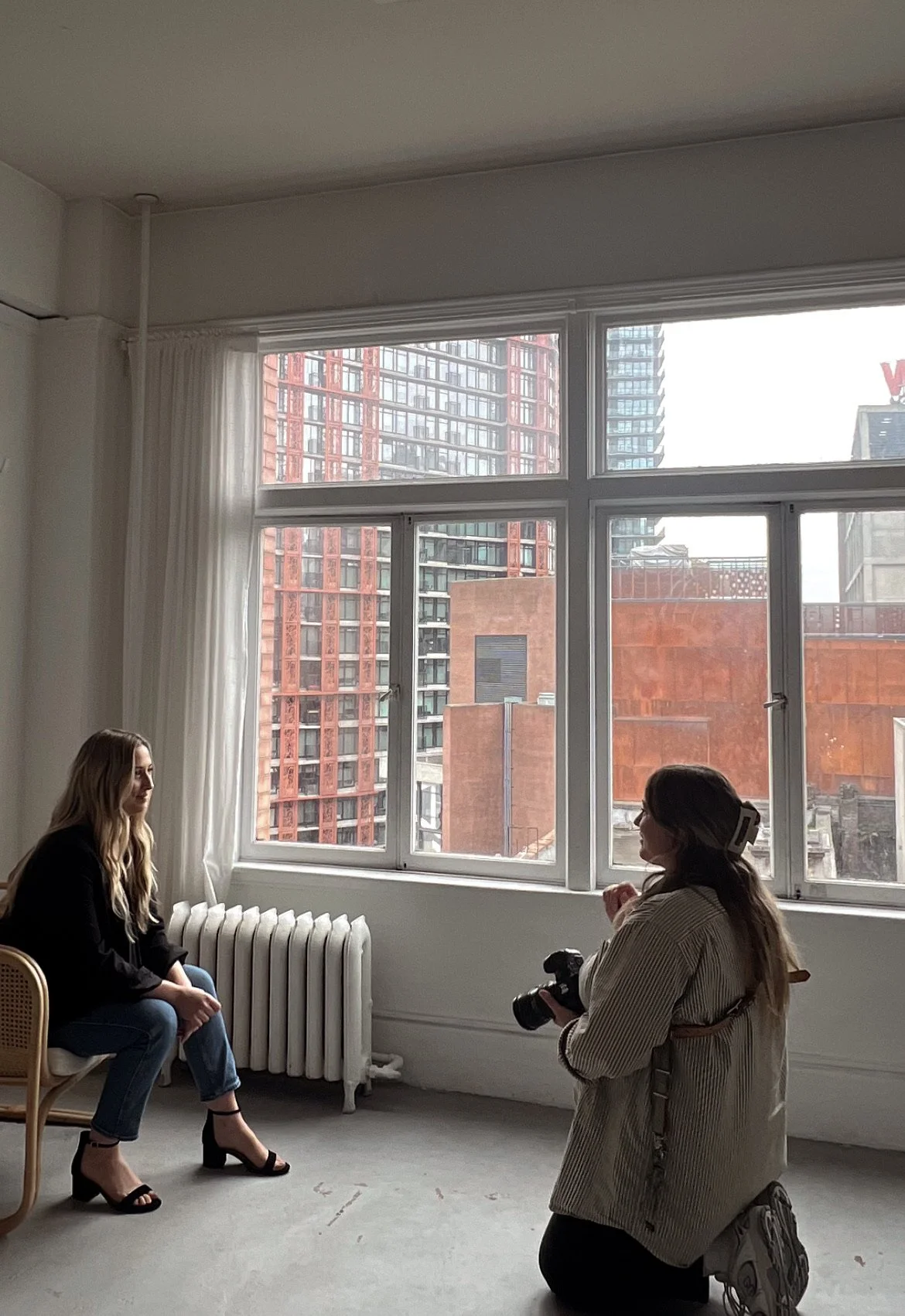
Natural, candid moments. Laughs, shared glances, “in action” movement.
Time‑lapse of setup.
Snap “equipment flat lay” to show your toolkit.
4) Founder Portrait
Purpose: About page, PR, LinkedIn, podcast promo.
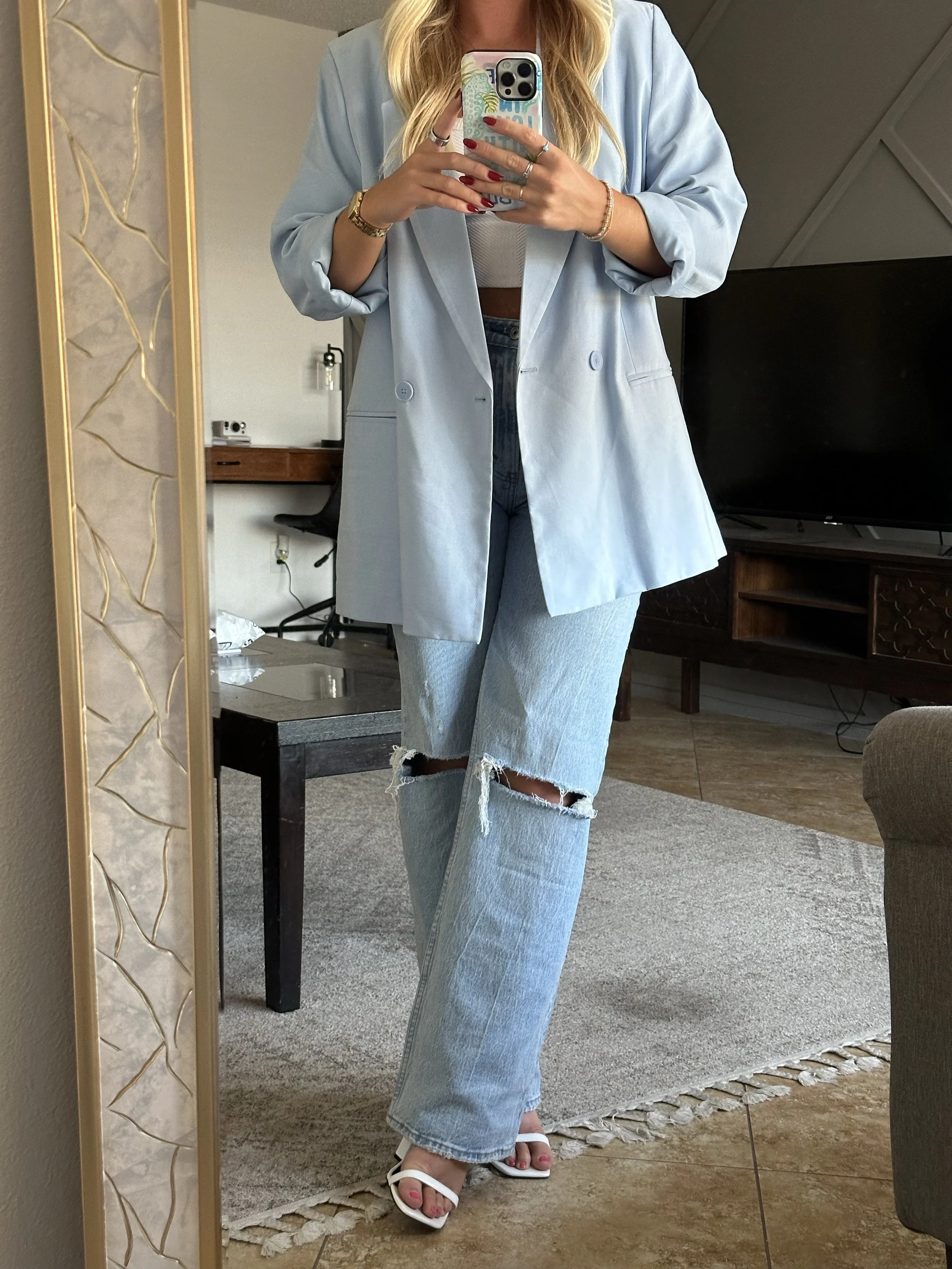
Styling: Minimal background that vibes with your brand. Outfit aligned with brand palette (avoid super busy patterns).
iPhone Capture:
Use telephoto (2x/3x) for flattering compression if available; otherwise, step back and zoom in slightly.
Portrait mode for subtle background blur.
Window light at 45°; reflector on the opposite side for soft fill.
Posing/Cues: Relaxed posture; weight on the back foot; slight hip angle; soft smile or neutral confidence.
Hand options: one hand in pocket, light cross‑arm (not tight), holding a tool of your trade.
Capture both vertical and horizontal for flexibility.
Shoot a “smile series” (soft smile, teeth smile, laugh, serious) to match different contexts.
5) Team Group Shot
Purpose: Culture, hiring pages, pitch decks, partnerships.
Styling: Arrange by height and wardrobe balance; avoid a straight line—use layered triangles (some seated, some standing).
iPhone Capture:
Use 1x or slightly zoomed to prevent wide‑angle distortion on faces at the edges.
Burst mode to catch natural expressions.
Keep the frame tight; avoid too much ceiling or floor.
Interaction beats stiffness. Give a small prompt: “Look at the person next to you and laugh,” “Walk toward me and chat,” “Group huddle.”
Check hands—idle hands become awkward. Give micro actions (hold a prop, cross‑arm light, hand in pocket).
Take a serious and fun version.
6) Workspace Aesthetic
Purpose: Pinterest, Reels, website brand story.
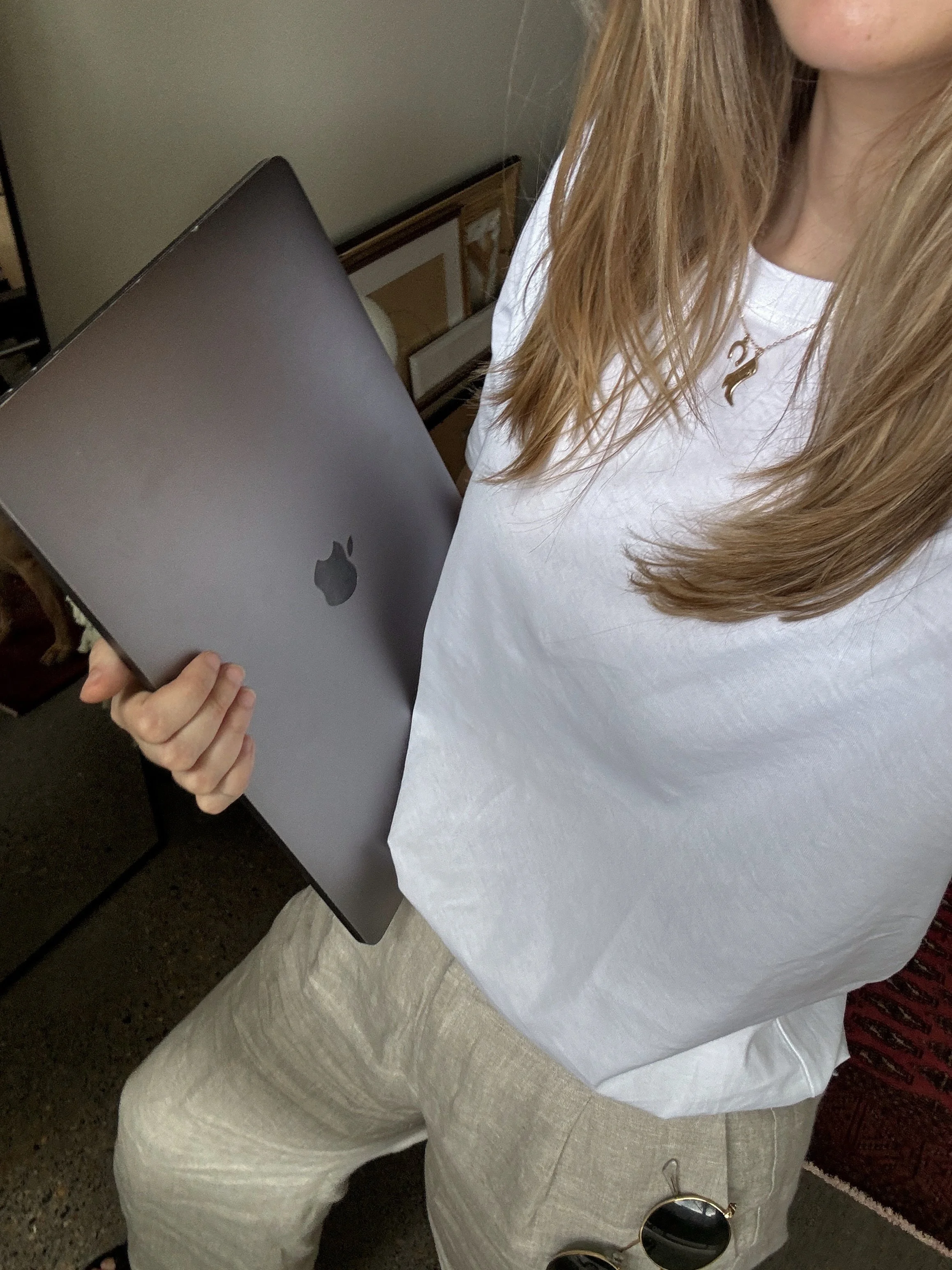
Styling: Clean desk, intentional clutter (a few items only), aligned color palette. Add texture (ceramic mug, linen, wood).
iPhone Capture:
Shoot at table height (eye level with objects), not from standing height.
Use AE/AF lock on foreground subject; adjust exposure slightly down for crispness.
Capture detail crops: corners of notebooks, keyboard + coffee, plant leaves.
Hands typing, writing, swapping tools.
Remove cable chaos. Hide outlets.
Style a “top right corner” shot for website headers—all important elements left/middle so you can overlay text on the right.
7) Packaging Close‑Up
Purpose: Showcase quality, branding details, eco materials, and unboxing vibe.
Styling: Clean light, macro details (texture, emboss, foil stamp).
iPhone Capture:
Macro mode (on supported models) or move closer until sharp.
Angle the package so light grazes the surface to reveal texture.
Use a telephoto for flattering compression if macro isn’t available.
Hands gently holding, opening, or pulling a ribbon.
Use a small LED key light at a low angle to pop texture.
Shoot a stop‑motion sequence of the unboxing for social.
8) Customer Interaction Shot
Purpose: Social proof, testimonials, community.
Styling: Real customers or models who match your demographic. Keep the scene authentic.
iPhone Capture:
Shoot candid sequences; avoid overly posed.
Backlight with a reflector fill for glow.
Use Live Photos and convert the best frame.
Prompt simple actions (try on, taste, test). Cue genuine reactions (surprise, delight, nod).
Get a signed model release for marketing usage.
Capture short testimonial snippets on video; pull stills later.
9) Seasonal or Trend‑Based Shot
Purpose: Agility for social; keeps content timely.
Styling: Seasonal props (pumpkins, florals, holiday lights) that still feel on‑brand. Don’t let seasonal colors hijack your palette.
iPhone Capture:
Soft, warm lighting for cozy seasons; clean, bright light for spring/summer.
Shallow depth using Portrait mode for festive bokeh.
Simple holds, playful movement, cozy wraps (scarves, blankets).
Keep seasonal assets modular (swap props, maintain the same backdrop).
Plan seasonal content 6–8 weeks ahead for marketing calendars.
10) Product Detail Shot (Texture & Craftsmanship)
Purpose: Elevate perceived quality; great for website product pages.
Styling: Focus on materials: stitching, fabric grain, label details.
iPhone Capture:
Use side lighting to bring out texture.
Shoot at 2x to avoid distortion and get a clean crop.
Avoid heavy shadows; adjust exposure slightly down for crisp detail.
Hands pinch fabric, trace seams, open zippers.
Add a black foam board opposite the light for contrast on lighter products.
Create a “detail grid” of 3–4 shots for a product page module.
11) Movement Shot (Action)
Purpose: Adds energy and personality; perfect for Reels covers, TikTok thumbnails.
Styling: Clean background, avoid busy patterns.
iPhone Capture:
Burst mode while the subject moves (walks, twirls, flips hair).
Pan with the subject to keep them sharp and the background slightly blurred.
Use shutter-style apps if you want motion blur, but iPhone burst is usually enough.
Walk toward the camera, spin, toss the scarf, laugh mid‑movement. Keep your chin slightly forward, shoulders relaxed.
Count beats: “3, 2, 1—move.” Capture 10–20 frames.
Choose the shot where hair/hands look natural (not blocking the face).
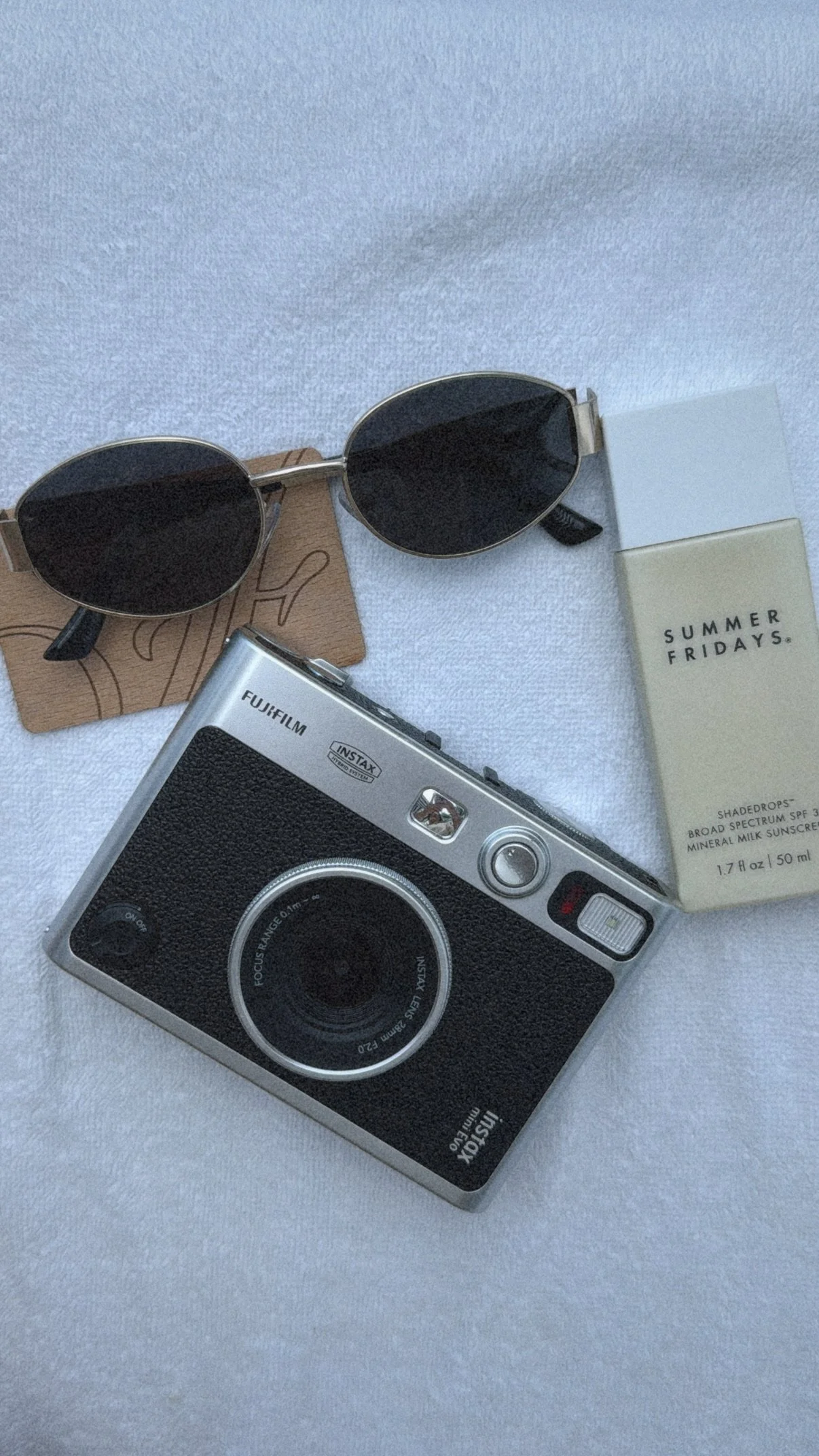
12) Flat Lay with Lifestyle Elements
Purpose: Mood content for grids and blog images; bridges product + lifestyle.
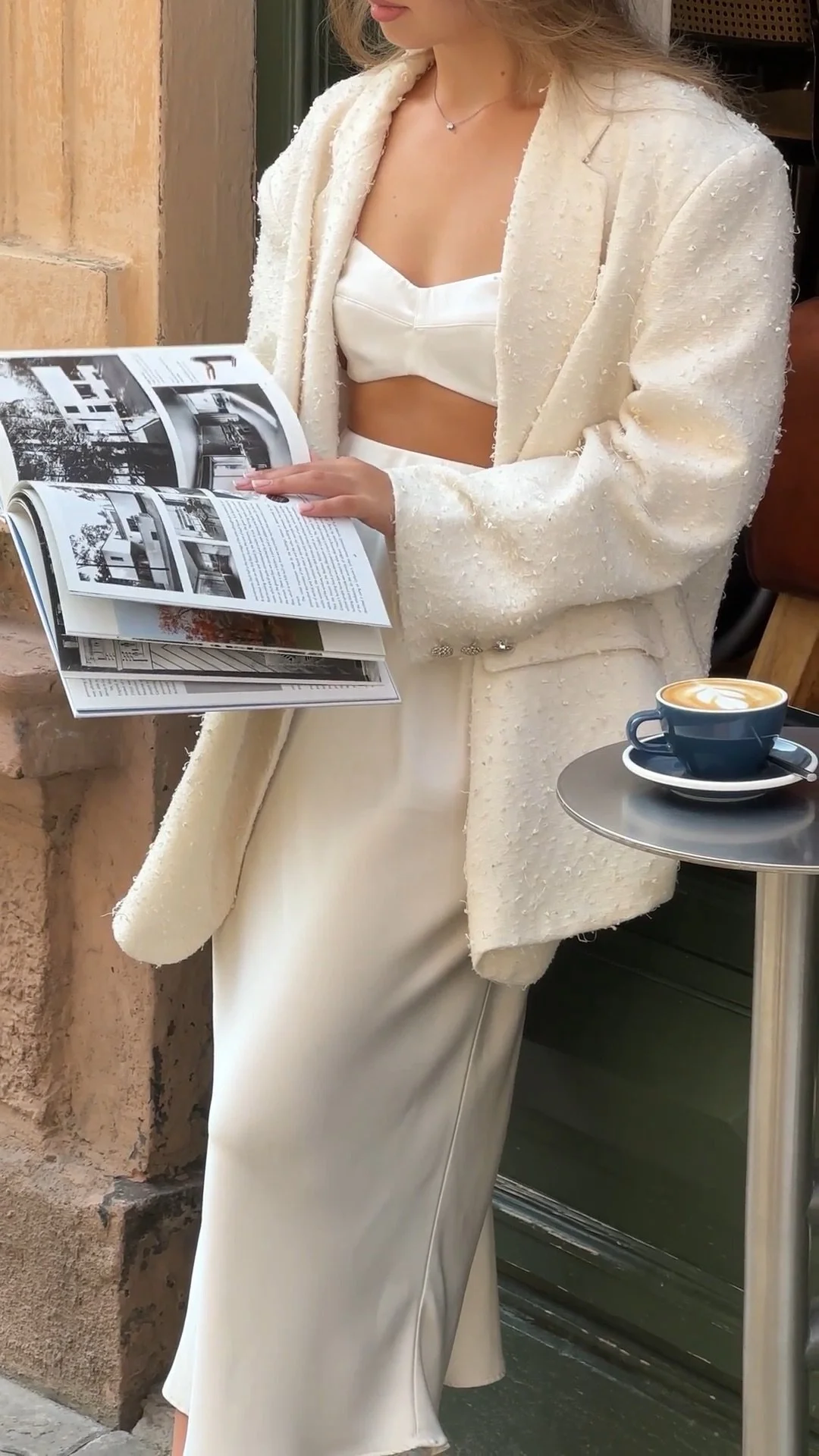
Styling: Combine product with daily objects (glasses, keys, magazines, tech). Keep props brand‑aligned.
iPhone Capture:
Shoot from above; use symmetry or a diagonal flow.
Keep light soft; reduce contrast so colors feel cohesive.
Hand enters frame to adjust objects or hold pen/mug.
Use negative space for text overlays (quotes, headlines).
Create a series with changing props but a consistent palette for a cohesive grid.
13) Social Proof Shot (Testimonials & Reviews)
Purpose: Builds trust quickly.
Styling: Style a screenshot printout, or design a faux “review card” with your brand typography. Pair with a product or workspace backdrop.
iPhone Capture:
Shoot in even light to avoid glare.
Capture both straight-on and angled for visual variety.
Posing/Cues: Hand holding the card, pointing at the key line, smiling reaction shot.
Create “carousel” versions: review card → product in use → customer portrait.
Keep text legible—check how it reads on mobile.
14) Fun Personality Shot
Purpose: Memorable moments for about pages, team features, and brand socials.
Styling: Props that reflect your brand's humor or lifestyle (confetti, signature drink, quirky tools).
iPhone Capture:
Use continuous shooting (burst) during playful actions.
Warm up the tone (slightly warmer white balance) for a friendlier vibe.
Candid laugh, playful reaction, peek‑through prop, exaggerated “ta‑da.”
Take it after a few “serious” shots so everyone’s relaxed.
Keep confetti cleanup plan (sheet on floor, handheld vacuum).
15) Hero Shot for Website Banner
Purpose: Your top‑of‑funnel billboard must be clean, bold, and versatile.
Styling: Simple background, strong focal subject, space for text overlay.
iPhone Capture:
Shoot horizontally with room on one side for typography.
Use a telephoto if available for flattering subject compression.
Keep lighting soft and consistent; avoid mixed color temps.
Confident stance, light smile, hand holding product, or neutral stance with arms relaxed.
Capture multiple framing options: subject left, center, right.
Test crop overlays for desktop, tablet, and mobile before finalizing.
Book a Content Creator in West Michigan
If you’re in Grand Rapids or West Michigan, I’d love to help capture your baby shower. My goal is to make sure you’re present in the moment while I handle the behind-the-scenes. You’ll walk away with a gallery of authentic, iPhone-shot content that’s ready to share, save, and relive.
From the balloons to the belly laughs, you deserve to have it all documented. And trust me — your camera roll will thank you.
Your baby shower is more than just a party. It’s a milestone, a memory, and a piece of your story. Don’t let those moments slip away to shaky phone clips or missed shots. Hiring an event content creator is the best way to ensure your day feels as special on your screen as it did in real life.
So put the phone down, soak in the love, and let someone else capture it all. Your future self will be so glad you did.

Free Wedding Content
Shot List
Get a free downloadable shot list to use as a checklist during your wedding day.
KEEP READING


TOP CATEGORIES


MY FAVORITE POSTS


