
BTS Content for Creators: 40 Easy iPhone Shots to Save
A shot list is a simple plan for the photos and clips you want to capture. It keeps your workday predictable and removes the stress of scrambling for ideas.
In the creator world, where content needs to feel intentional but still look effortless, a shot list acts like a quiet structure in the background. You know what you’re aiming for before you even tap record.
Behind-the-scenes content helps creators build trust. A shot list makes filming smoother and ensures the process looks intentional. It helps you capture moments that feel real and approachable, which is why BTS content performs well on short-form platforms.
This niche thrives on behind‑the‑scenes content because people like seeing how creators actually work. It feels approachable and helps your audience connect with you. Short‑form video continues to lead engagement across platforms, and user‑generated content performs especially well. Campaigns that incorporate UGC see about a 50 percent increase in engagement, making it one of the strongest formats for visibility
Best Performing Creator BTS Content
BTS content performs because it shows the real workflow. Not the perfectly staged part. The small moments. Handheld clips. Quick glances at your setup. The creator niche rewards authenticity. People want to see how you think through angles, how you prep your space, and how you get the final shot on an iPhone.
Short, clean visuals work best. Clips under 10 seconds. Smooth pans. Quick cutaways. iPhone footage is usually enough because it matches how people consume content. Raw over polished. Relatable over cinematic. The more natural the footage feels, the stronger it usually performs.
Tips for Better Filming on iPhone
Good lighting does most of the heavy lifting. Aim for bright windows in the morning or late afternoon. If you're filming midday, step into soft shade or bounce light off a white wall. Clean your lens more often than you think. It keeps everything crisp without extra editing.
Stability matters. Hold your phone with two hands. Keep your elbows close. Move slowly. A simple desk tripod helps for overhead or process shots. Record a few seconds longer than you think you need so you have flexibility when editing. Capture natural sound occasionally. Even light background noise helps your edits feel grounded.
Create a habit of backing up your clips each night. Drop everything into a shared album or labeled folder so you never lose key shots. Stay aware of your environment. Keep clutter minimal. Sometimes one small move, like shifting a chair, makes your frame feel cleaner immediately.
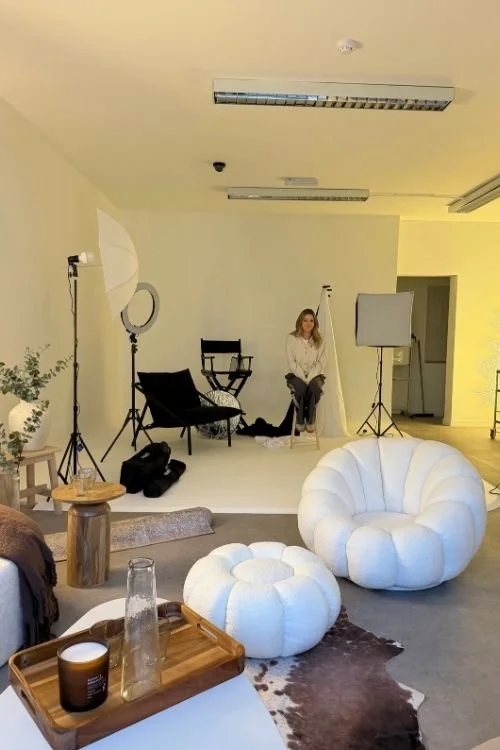
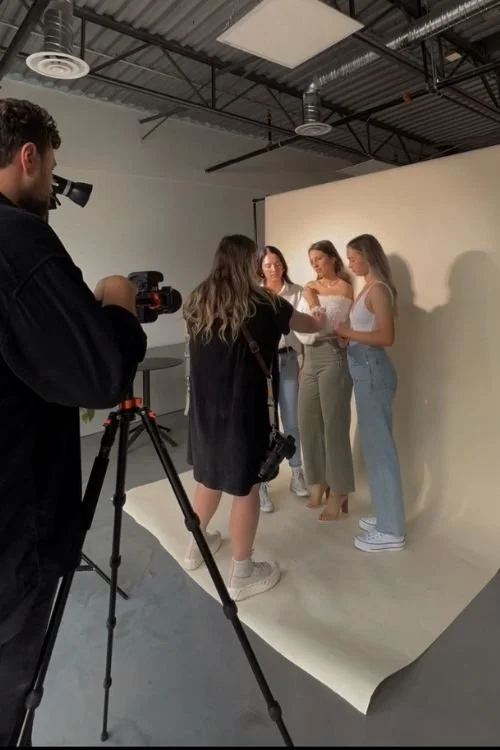
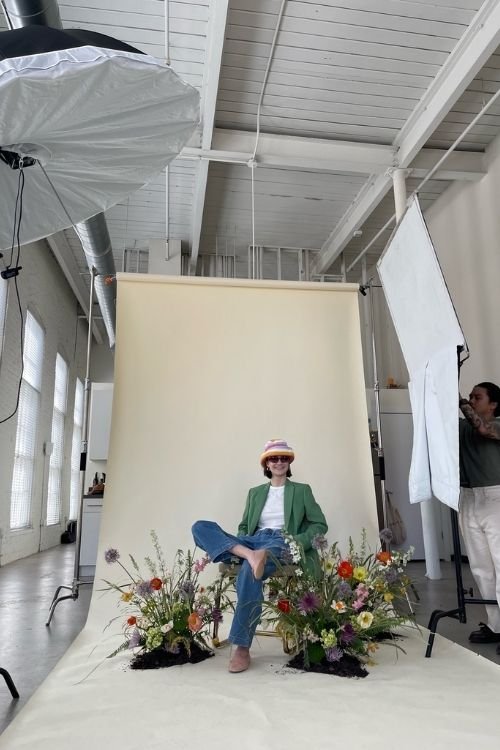
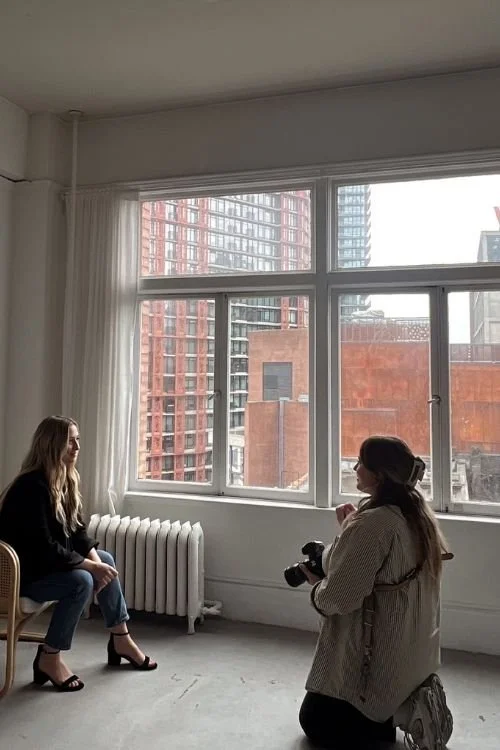
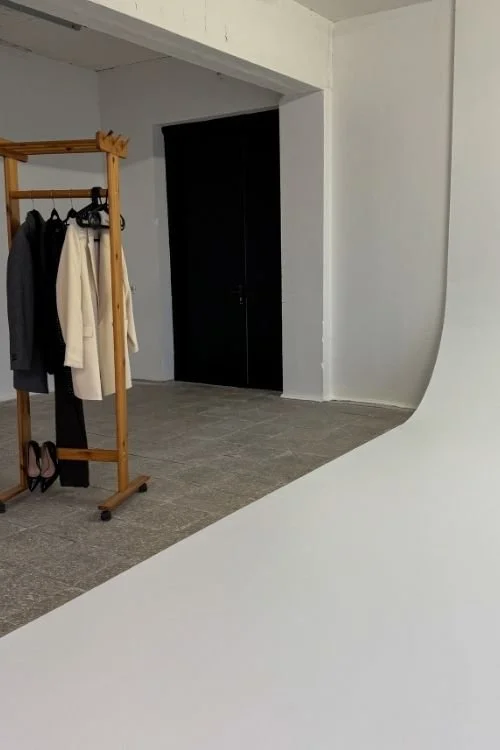
40 Creator BTS Shot Ideas
Behind‑the‑scenes content feels natural when you keep the focus on small, everyday motions instead of complicated setups. These ideas are meant to be simple prompts you can film on an iPhone without slowing down your workflow. Think of them as quiet moments that show how you create, not big staged scenes.
When you mix clips like these into your content, your audience gets a clearer sense of your process and your personality without you having to force anything.
Creator Lifestyle BTS
Your morning coffee next to your phone setup
Walking into your workspace
A close‑up of you organizing your content calendar
Packing your bag before leaving for a shoot
A candid pause while reviewing clips
A typing shot while responding to messages
You adjusting your hair or shirt naturally
A midday reset moment
A quick clip of you stepping outside for fresh air
Your phone charging beside a notebook and pen
Editing & Wrap‑Up
Screen‑recording your editing timeline
Tapping through different filters
Scrolling your camera roll to find clips
Exporting your final video
Reviewing your draft before posting
Writing your caption with thumb typing
Saving your content to a labeled folder
Crossing off the shot list in your notebook
Closing your workspace for the day
Placing your phone face‑down as you finish
Workspace & Setup
Opening your desk drawer with gear visible inside
Wiping down your iPhone lens before filming
Placing your tripod on the desk
Turning on a soft lamp or ring light
Spreading out your props for the day
A slow pan of your workspace before you start
Tapping your screen to lock focus on your setup
Plugging in your charger or power bank
Laying out your content plan notebook
Tidying your background with one simple move
Filming Process
Pressing record on your phone
Adjusting your tripod height
Switching between front and back camera
Testing angles with your hand in frame
Over‑the‑shoulder view of your iPhone screen
Recording a product from multiple sides
Moving objects slightly for a better composition
Capturing slow motion details
Swapping out backgrounds or boards
Re‑recording a shot with improved lighting
Why These Ideas Work
BTS creator content works because it offers people a calm look inside the creative process. It’s not loud or overproduced. It’s just real moments captured with intention. A structured shot list lets you collect all the visuals you need without forcing anything or repeating the same angles every week. Filming small details builds a story that feels natural from start to finish.
Hiring a UGC or on‑site content creator can take the workload off your shoulders, especially if you’re juggling brand partnerships or tight deadlines. Someone who shoots as you work keeps things authentic and consistent while freeing you up to focus on your craft. If you ever want someone to capture your creator workflow quietly and professionally, I travel on‑site and build custom shot lists around what you actually need.
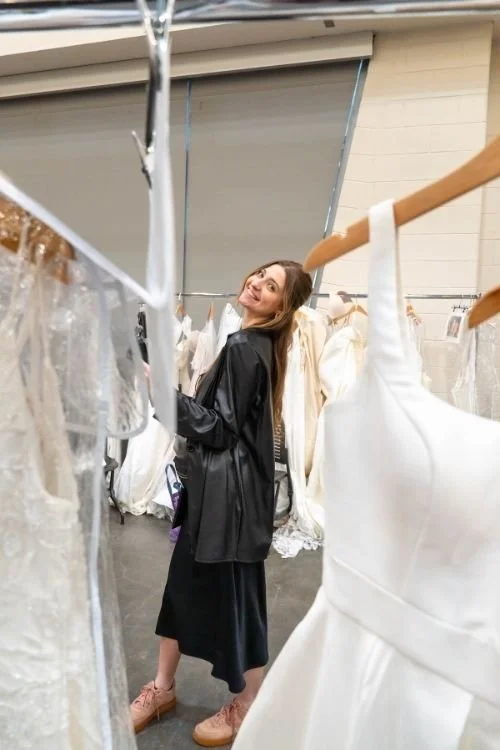
Want your BTS content filmed for you?
If you’d rather stay in your flow while someone else captures the process, I’m available for on‑site creator coverage. I keep it simple, low‑pressure, and focused on getting the kind of clean, usable content you actually need. Inquire about your dates and location, and I’ll let you know if I’m free.
Learn More
Photo by: Shaylin Cota, Cota Creative Co
KEEP READING


TOP CATEGORIES

